Test Any IPTV Service
Before You Commit
Hundreds of IPTV providers claim to deliver flawless 4K streams, thousands of channels, and rock-solid uptime. Most fall short. We help you evaluate services properly — so your next subscription is the right one.
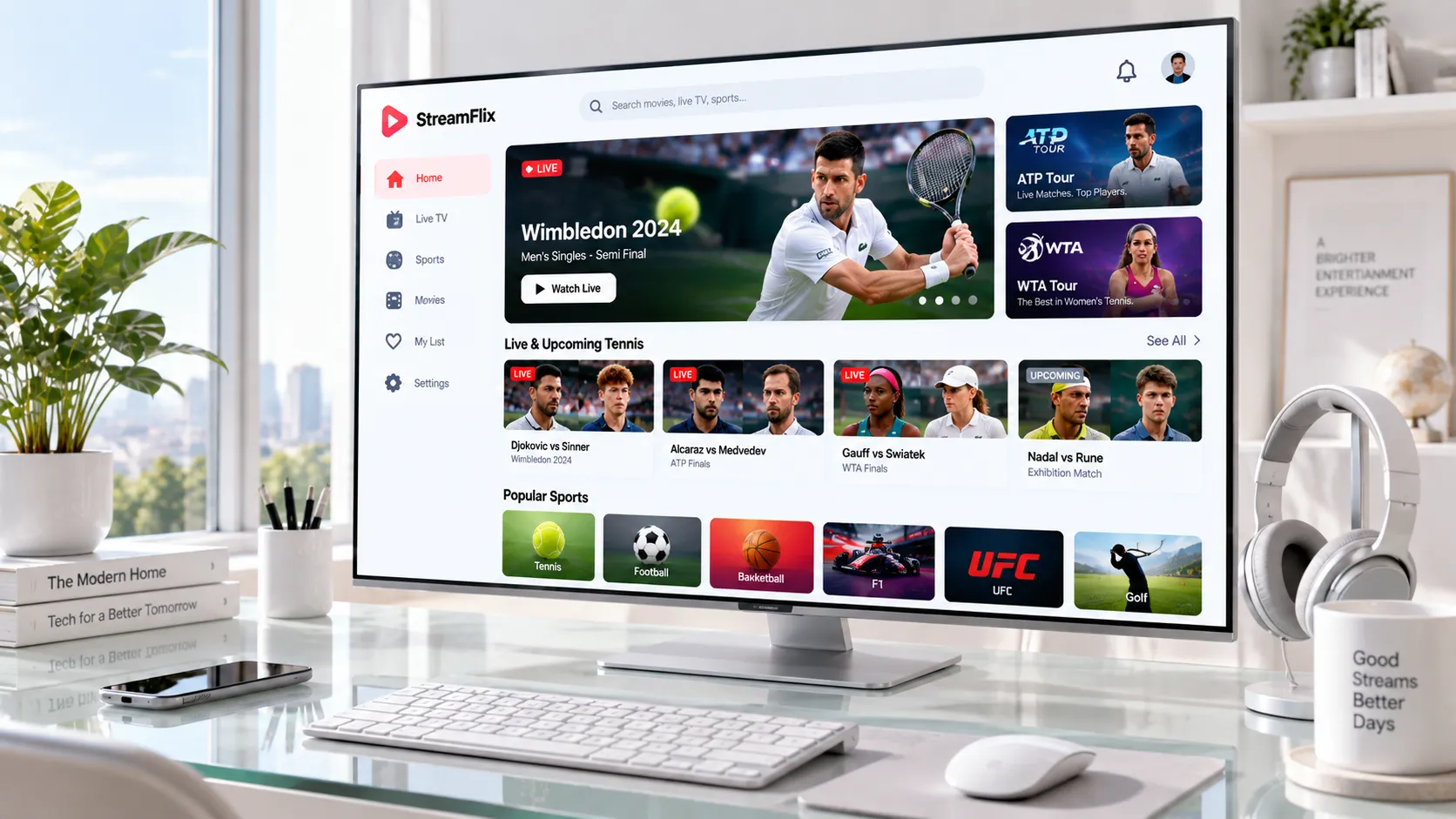
IPTV Testing Explained
Why Testing an IPTV Service Before Subscribing Is Non-Negotiable
The IPTV market has matured significantly since 2022. There are now dozens of legitimate, licensed streaming providers targeting the USA, UK, European, and North African markets — each with different channel packages, regional libraries, stream quality, and device support. The challenge isn't finding a provider; it's finding the right provider for your household, connection speed, and viewing habits.
Testing an IPTV service before you pay a full subscription means you have evidence-based confidence rather than marketing-based assumptions. A trial period — typically 24 to 48 hours — reveals crucial details: does the service carry the sports packages you care about? Does it buffer on your Wi-Fi setup? Is the electronic program guide (EPG) accurate and up to date? Does the player app work correctly on your Firestick or Smart TV?
Our IPTV testing guide walks you through every checkpoint to evaluate before committing. We also connect you directly with providers who offer genuine trial access — no credit cards, no automated charges.
- Channel availability and regional compliance
- Stream stability across different times of day
- Picture quality at HD, FHD, and 4K tiers
- App and player compatibility on your exact devices
- VOD library depth and EPG accuracy
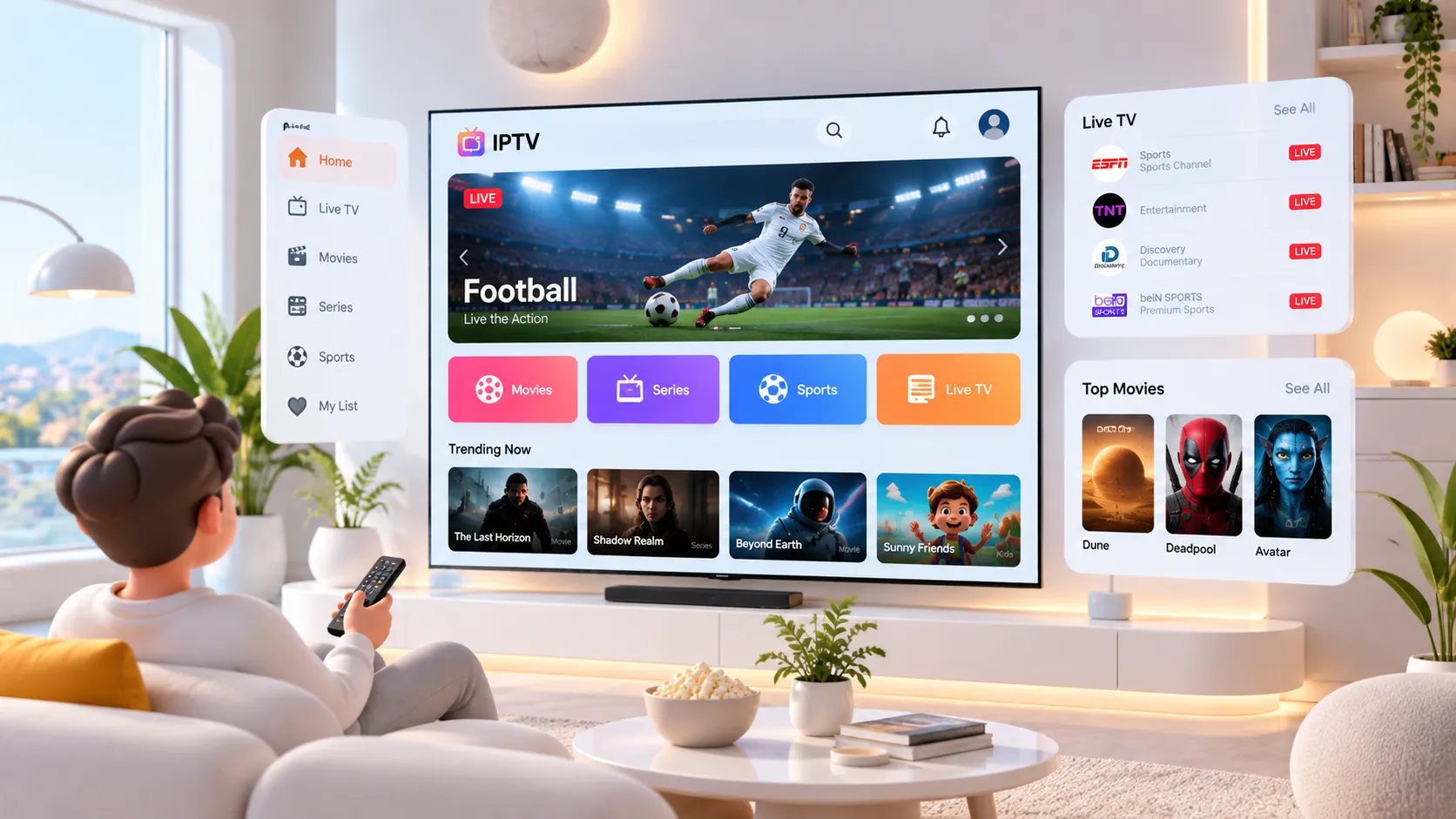
The Process
How IPTV Evaluation Works
From first contact to confident subscription, the process is designed to give you real data — not sales promises.
Define Your Requirements
Start by identifying what matters most — specific sports channels, regional content, 4K capability, number of simultaneous streams, or VOD library size. Your requirements guide every evaluation decision that follows.
Request a Trial Access
Contact us via WhatsApp to request a trial period on a service that fits your criteria. We connect you with authorized providers who offer genuine 24–48 hour access so you can evaluate under real-world conditions.
Run Structured Tests
Use our IPTV testing checklist to systematically evaluate the service: channel coverage, stream quality at peak hours, buffering behavior, EPG accuracy, and player setup on your specific devices.
Compare & Subscribe Confidently
Armed with actual performance data, compare subscription plans and pricing objectively. Subscribe knowing the service works for your household — not on a leap of faith.
Find the Right Subscription
Premium servers, ultra-low latency, and simultaneous screens with zero contracts.
- 2 Simultaneous Screens
- Ultra‑Low Latency
- Dedicated VIP Routing
- 120,000+ Live Channels
- 160,000+ Movies & Series
- HD / FHD / 4K Quality
- Anti-Freeze™ Technology
- All Sports & PPV Included
- Full EPG TV Guide
- 24/7 WhatsApp Support
- All Devices Supported
- VPN Access Included
- 2 Simultaneous Screens
- Ultra‑Low Latency
- Dedicated VIP Routing
- 120,000+ Live Channels
- 160,000+ Movies & Series
- HD / FHD / 4K Quality
- Anti-Freeze™ Technology
- All Sports & PPV Included
- Full EPG TV Guide
- 24/7 WhatsApp Support
- All Devices Supported
- VPN Access Included
- 2 Simultaneous Screens
- Ultra‑Low Latency
- Dedicated VIP Routing
- 120,000+ Live Channels
- 160,000+ Movies & Series
- HD / FHD / 4K Quality
- Anti-Freeze™ Technology
- All Sports & PPV Included
- Full EPG TV Guide
- 24/7 WhatsApp Support
- All Devices Supported
- VPN Access Included
In-Depth Guides
Everything You Need to Know About IPTV in 2026
Six comprehensive guides covering every dimension of the IPTV evaluation and setup process.
Streaming Performance
What Actually Determines IPTV Stream Quality
IPTV streaming quality isn't a fixed quantity — it's the product of several interacting variables. Understanding what controls your stream experience helps you troubleshoot problems faster, set realistic expectations, and choose a provider whose infrastructure matches your connection.
Internet speed is the foundation, but it's rarely the only factor. Latency, packet loss, and network jitter affect stream stability more than headline speeds do. A 50 Mbps connection with high jitter will buffer more than a 25 Mbps connection with stable latency. Our streaming quality guide explains each factor in detail.
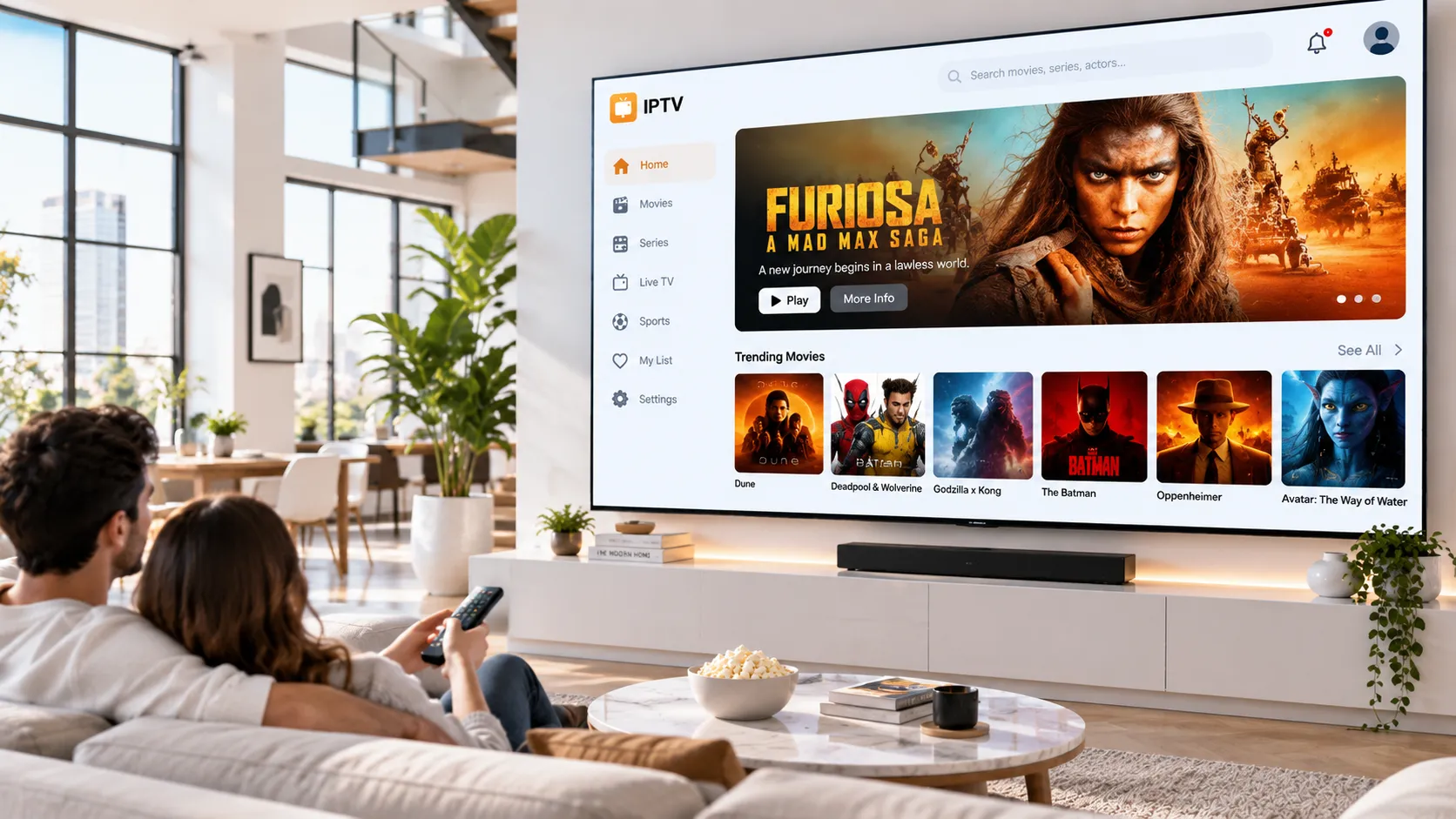
The IPTV Landscape — 2026
IPTV Is the Primary Way the World Watches TV
Ready to Find an IPTV Service That Actually Works for You?
Stop guessing. Start with a properly structured trial, evaluate on your own devices, and subscribe with evidence — not marketing copy.
IPTV Subscriptions
Choosing an IPTV Subscription Plan That Fits Your Life
IPTV subscription structures have diversified considerably. The days of a single "everything package" are largely behind us — most quality providers now offer tiered plans differentiated by simultaneous connections, stream resolution, VOD library access, and regional channel bundles. Understanding these variables helps you pay for exactly what you need, not a bloated package you'll never fully use.
For USA viewers, premium sports — NFL, NBA, MLB, and NHL — alongside major network channels are typically the priority. UK subscribers commonly focus on Sky Sports equivalents, Premier League coverage, and BBC-style catch-up content. For French and Moroccan users, regional language programming and local sports coverage become primary selection criteria.
Our IPTV subscription guide breaks down every major plan structure, pricing consideration, and what each tier typically includes — so you can make a direct comparison before committing. We also explain the difference between monthly and annual commitments, and when each makes financial sense.
A smart evaluation approach: test first (see our trial process above), then subscribe to the plan that matches what you actually used during the trial — not the most expensive tier by default.
Explore Subscription Plans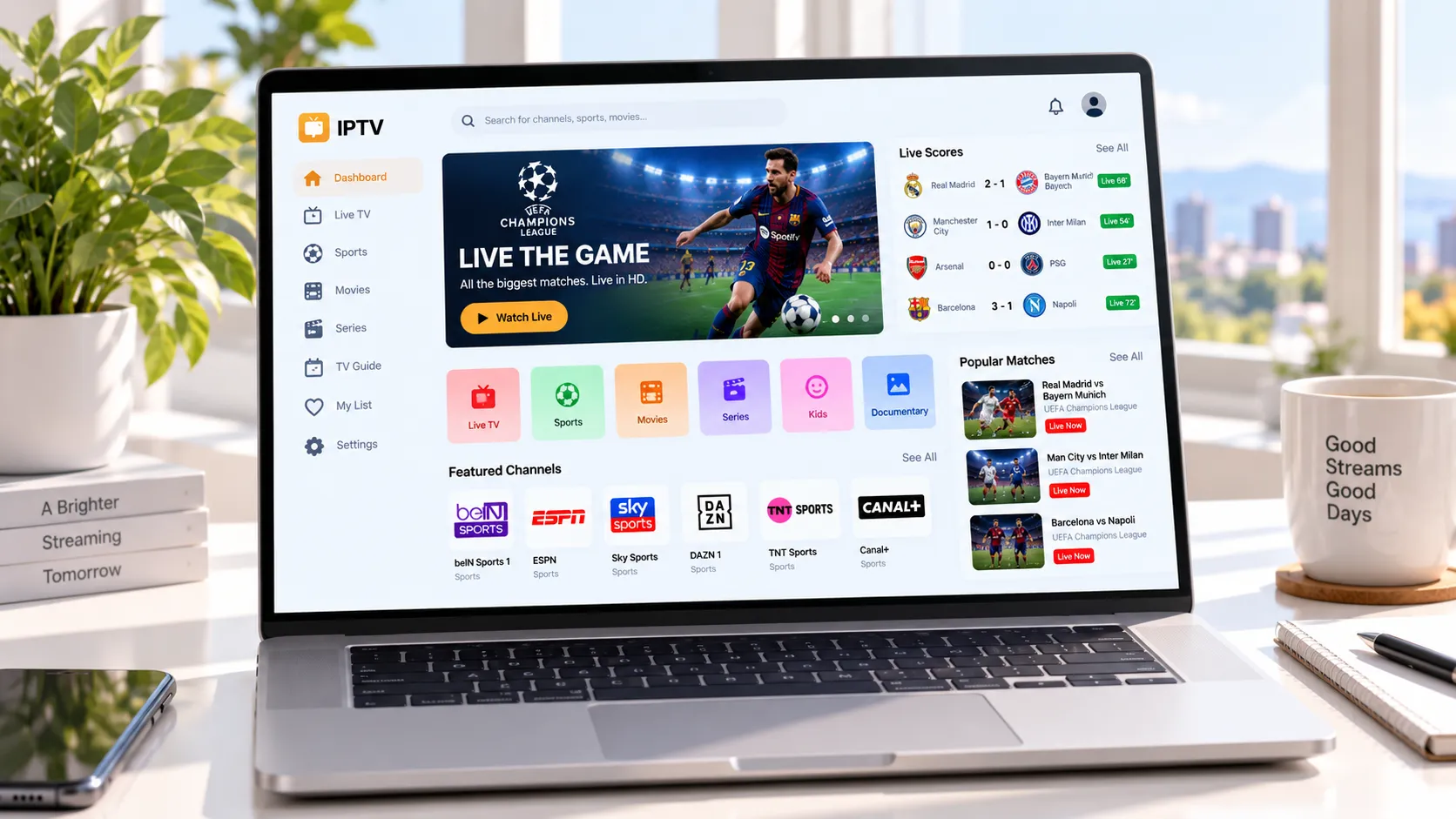
Regional Coverage
IPTV Considerations by Market
Every market has distinct content expectations, infrastructure realities, and regulatory contexts. Here's what to know in each region.
United States
USA viewers expect robust sports packages — major network channels, ESPN-equivalent coverage, NFL RedZone, and local news. Fiber and cable internet infrastructure means most US households can comfortably stream at 4K. Content licensing in the USA is particularly complex; always verify the provider's authorization status.
United Kingdom
UK IPTV users frequently prioritize Premier League football, Sky Sports equivalents, and access to major terrestrial channels. Ofcom's regulatory environment means content authorization is scrutinized carefully. A quality provider for the UK market will clearly disclose their licensing position for UK-based content.
France
French subscribers typically want access to TF1, France 2, Canal+ sports, and Ligue 1 football. French-language programming and local news availability distinguish quality providers from generic ones. ARCEP and CSA oversight means regulatory standards are actively enforced for licensed French content.
Morocco
Moroccan viewers often look for Arabic-language news, Botola Pro football, and access to both Arabic and French-language content. Mobile-first viewing is common; provider apps and their performance on Android devices are particularly important to evaluate during the trial phase.
Provider Evaluation
How to Compare IPTV Providers Without Being Misled
The IPTV provider landscape contains genuinely excellent services alongside poorly maintained ones that look similar on a sales page. Here's how to separate them.
Most IPTV providers present an almost identical surface: large claimed channel counts, promises of 4K quality, and competitive monthly pricing. The differences that actually matter — infrastructure quality, content authorization status, support responsiveness, and stability during peak viewing hours — rarely appear in marketing material. That's precisely why structured testing matters.
When evaluating providers, treat their infrastructure transparency as a signal. Legitimate, professionally operated services can answer basic questions about where their servers are located, how they handle peak-hour demand, and what content authorization arrangements they operate under. Providers who deflect these questions or respond only with marketing language deserve additional scrutiny.
Channel count claims deserve particular skepticism. A lineup claiming 15,000 channels may include hundreds of dead streams, duplicates, and low-quality feeds you'd never use. What matters is the count and quality of channels in the specific categories you care about — the sports package for your leagues, the news channels in your language, the entertainment content for your household. Quality over quantity is consistently the smarter evaluation framework.
VOD libraries are another area where surface claims diverge from reality. A library of 50,000 titles sounds impressive until you discover that a significant portion is outdated content with broken streams. During your trial, specifically test the VOD section: load five or ten titles from categories you'd actually use and verify they play correctly in your region.
Support response time during the trial is your most reliable predictor of what support will look like after you've paid. If a provider responds in under 30 minutes during your trial, they're demonstrating genuine operational investment. Slow trial support typically means slow post-subscription support — a pattern that persists. Our IPTV providers comparison guide gives you a full framework for this evaluation.
- No trial period offered before full payment
- Guaranteed uptime promises (no provider can honestly guarantee this)
- No response to basic questions about content authorization
- Prices that seem implausibly low versus the claimed channel count
- Support that only operates via automated messages during business hours
Provider Evaluation Scorecard
IPTV Trends 2026
How the IPTV Industry Has Changed — and Where It's Going
The technical and commercial landscape of IPTV in 2026 looks substantially different from even three years ago. Understanding these shifts helps you evaluate providers more intelligently.
4K HDR as Standard
As of 2026, 4K HDR delivery is expected from premium providers — not a differentiating feature. The baseline has shifted upward, and providers still offering only 1080p as their maximum tier are increasingly uncompetitive. Evaluate whether a provider's 4K streams use proper HDR10 or Dolby Vision signaling.
Mobile-First Architecture
Quality IPTV providers now design their apps for mobile-first delivery, recognizing that a significant share of viewing happens on smartphones and tablets. Evaluate the provider's dedicated iOS and Android apps during your trial — not just their Smart TV application.
Setup guide →CDN & Edge Delivery
Leading providers in 2026 use content delivery networks (CDNs) with edge nodes close to viewer populations. This reduces latency and improves resilience during high-demand events like major sports. Ask providers where their infrastructure is located relative to your region.
Content Authorization Landscape
Content rights enforcement has intensified significantly. Legitimate providers in 2026 are more transparent about their licensing arrangements than those operating in grey areas. This transparency is actually a useful evaluative signal — providers who can clearly explain their content rights deserve more trust.
Legal guide →EPG Quality as a Differentiator
The electronic program guide (EPG) is a surprisingly strong indicator of provider quality. Accurate, up-to-date EPG data requires ongoing maintenance — lazy providers skip it. An accurate EPG means you can schedule recordings, browse what's on next, and actually navigate a large channel lineup efficiently.
Support Responsiveness
Customer support quality separates professional operations from side projects. During your trial period, test the provider's support channel response time. A provider who doesn't respond promptly when you have a setup question won't respond promptly when something breaks after you've paid.
Device Setup
IPTV Works Across Every Screen — When Configured Correctly
One of the most common sources of frustration with IPTV is a setup process that's incomplete or poorly matched to the device in question. Different devices have different app ecosystems, codec support levels, and performance envelopes — what works smoothly on a Firestick might need different configuration on a Samsung Tizen TV or an LG webOS device.
Our IPTV setup guide provides device-specific instructions for every major platform: Amazon Firestick (the most popular IPTV device in the UK and USA), Android TV boxes, Smart TVs running Tizen or webOS, iOS and Android mobile devices, and Windows or Mac computers using VLC or dedicated players.
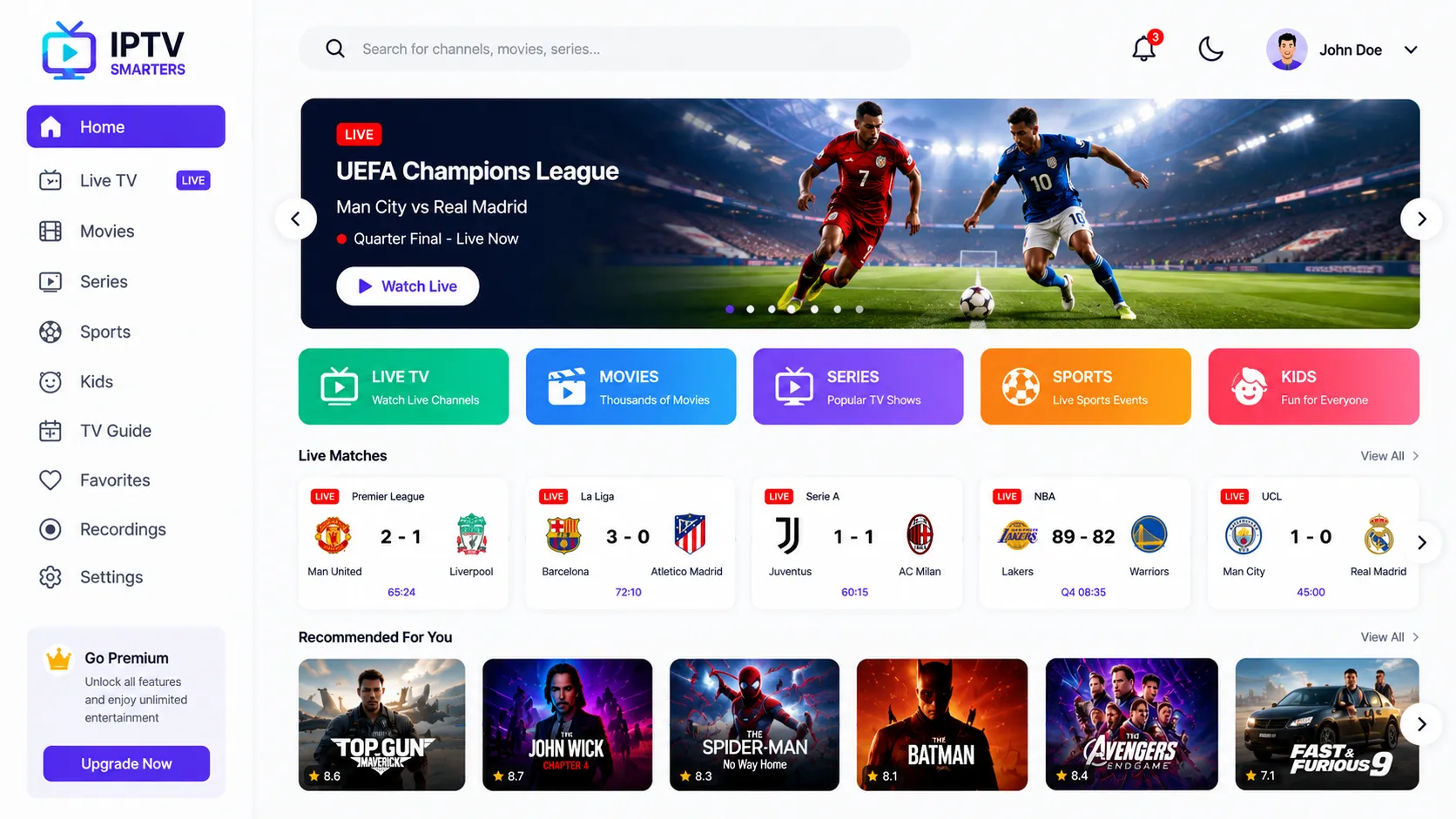
We also cover both connection methods — M3U playlist URLs for players like TiviMate and GSE Smart IPTV, and Xtream Codes portal login for apps like IPTV Smarters Pro. Our IPTV Smarters Pro setup guide is one of the most detailed available for 2026.
- Amazon Firestick & Fire TV (all generations)
- Smart TVs — Samsung (Tizen) and LG (webOS)
- Android TV boxes and Google TV devices
- iOS (iPhone & iPad) and Android smartphones/tablets
- Windows PC and Mac (VLC, IPTV players)
Transparency & Trust
Our Approach to IPTV: Legal, Transparent, and Evidence-Based
We believe in helping users make informed decisions — not inflated promises. Here's our clear position on the services we discuss and recommend.
Authorized Content Only
We only discuss and recommend providers who operate with the content authorizations appropriate for the regions they serve. IPTV technology is entirely legal — what matters is whether the content being distributed is properly licensed. We encourage users to ask providers directly about their licensing arrangements.
No False Guarantees
We don't promise guaranteed uptime, specific channel counts, or universally buffer-free streaming — because no honest source can make those promises. What we do offer is a structured framework for evaluating a service under real-world conditions before you commit to any subscription.
Human Support via WhatsApp
Every interaction goes through a real conversation on WhatsApp — no chatbots, no automated ticket queues. We connect you with the right trial access, answer technical questions, and help troubleshoot setup issues with a real person who understands IPTV inside out.
For guidance on content rights and streaming laws, see the US Copyright Office streaming resources or our comprehensive IPTV legality guide for 2026.
Common Questions
IPTV Questions — Answered Honestly
Start Your IPTV Test Today
Message us on WhatsApp — tell us your devices, your region, and what channels matter most. We'll match you with a trial that gives you real answers before you spend a penny on a full subscription.